
Designing with AI tools without shipping slop
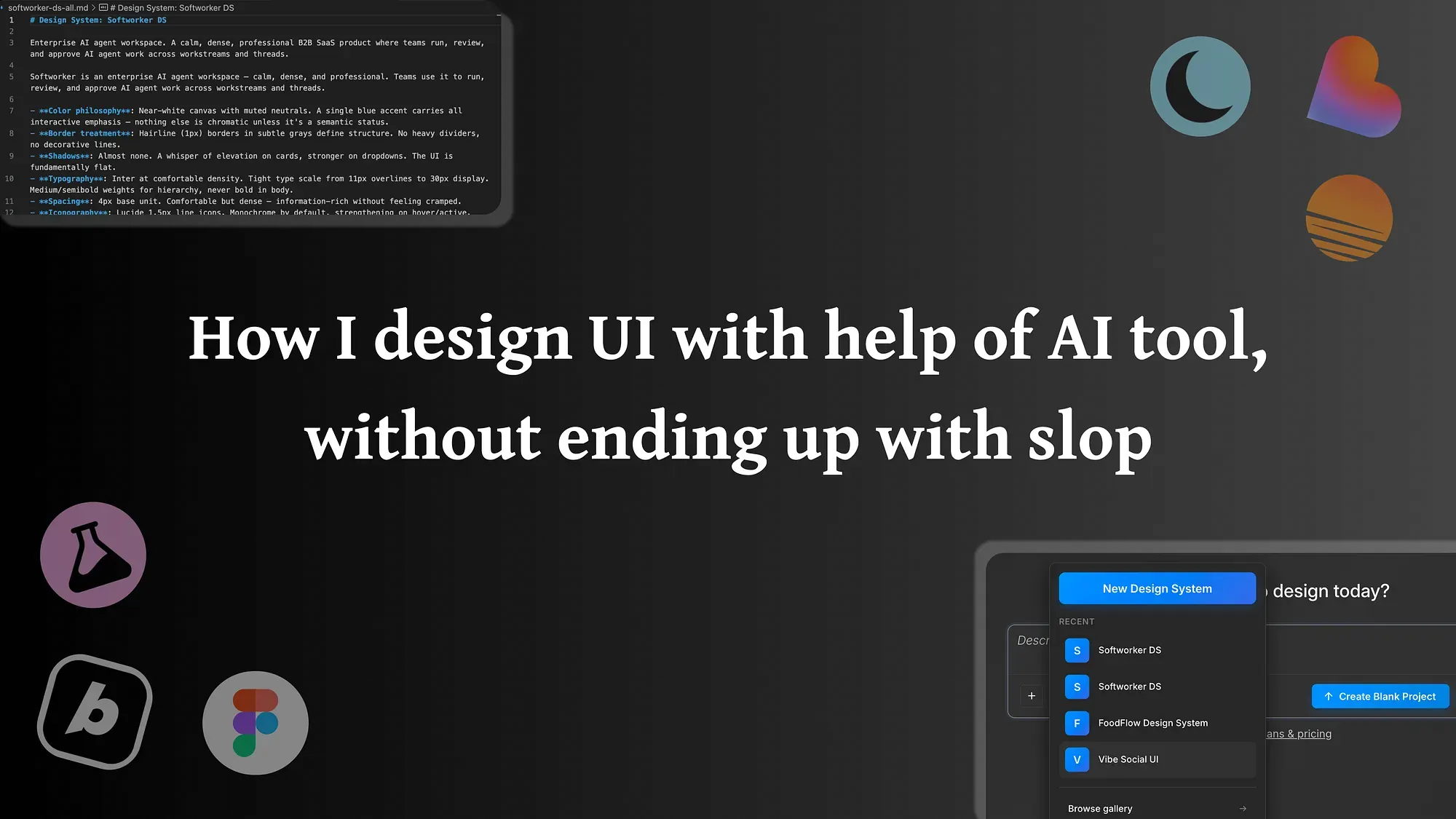
AI can generate a hundred screens in a minute. Most of them are slop. Here is the working method I use to keep AI in the loop without letting it flatten the product.

Key takeaways
- AI is good at quantity and exploration, and bad at consistency and judgement.
- Give the model your design system as constraints, not a blank canvas.
- Generate wide, then curate hard. The cut is where the product gets its taste.
I design product UI, and I use AI tools every day. I also throw away most of what they give me. That is not a contradiction — it is the whole method. AI moved the bottleneck in design from making things to choosing between things, and if you do not adjust your process for that, you ship slop: screens that are technically fine, look vaguely familiar, and have no point of view.
Here is how I keep AI in the loop without letting it flatten the product.
What AI is actually good at
Be honest about the trade. AI is excellent at quantity, speed, and breadth. Ask for twenty variations of an empty state and you will get twenty in the time it used to take to sketch one. It is great for breaking a blank page, exploring layouts you would not have drawn by hand, and producing the boring scaffolding — placeholder copy, repetitive states, the tenth card in a grid.
What it is bad at is judgement. It does not know which of those twenty is right for your product, your users, or the decision you are actually trying to help someone make. It has no memory of the small consistency rules that make an interface feel like one thing. Left alone, it averages. And averaged design is the definition of slop.
Slop is an absence, not a style
It helps to define the enemy precisely. Slop is not “ugly.” A lot of slop is clean and competent. Slop is what you get when no one made a decision: generic spacing, default components, copy that says nothing, an interface that could belong to any of a thousand products. It is the absence of a point of view, dressed up well enough to pass a glance.
That reframing matters, because it tells you where to spend your effort. You do not fix slop by prompting harder. You fix it by adding the two things AI cannot supply: constraints and a cut.
Give the model your system, not a blank canvas
The single biggest quality jump comes from refusing to let AI start from nothing. A blank prompt invites the average of the entire internet. A constrained prompt invites your product.
In practice that means feeding the model your design system as the rules of the game: your tokens, your spacing scale, your components, your tone of voice, the patterns you have already decided on. When the model has to work inside those rails, its output stops drifting toward generic and starts looking like it belongs to you. The system is the part that carries your taste even when you are not in the loop — so the better and more explicit your system, the better your AI output gets, almost for free.
If you do not have that system yet, that is the work to do first. AI raises the value of a strong design system and punishes the lack of one.
Generate wide, then cut hard
The second half of the method is curation, and it is the half people skip. AI makes generating cheap, which means the scarce, valuable act is now selection. So I run the process in two deliberate modes:
- Diverge. Ask for more than you need. Twelve directions, not two. Let the model be weird; this is where it earns its keep.
- Converge. Then cut hard, on purpose, with a reason for each cut. Which one respects the system? Which one makes the user’s decision easier? Which one would I defend in a review? Kill the rest without sentiment.
The product gets its taste in that second step. If you generate ten screens and ship the first acceptable one, you have outsourced your judgement to a model that does not have any. The cut is non-negotiable and it has to be human.
Keep your hands on the last 10%
There is a final stretch AI almost never closes: the details that separate “fine” from “right.” The exact microcopy. The one alignment that was off by two pixels and made the whole card feel cheap. The empty state that should be encouraging instead of apologetic. The motion that should be 180ms, not 400. These are small, and they are the entire difference between a product that feels designed and one that feels generated.
So I let AI do the first 90% — the breadth, the scaffolding, the options — and I keep my hands firmly on the last 10%. That last stretch is where your name goes on the work.
The short version
Use AI for what it is good at: quantity, exploration, the boring parts. Refuse to let it do what it is bad at: deciding. Put a strong system in front of it as constraints, generate wide, cut hard, and finish the last 10% by hand. Do that, and AI makes you faster without making your product anonymous. Skip it, and you will ship a lot of screens that no one decided to make.